Guides
How do I create a proposal I can email or attach as a PDF?
- Open Emails & Texts and search the line of business — general liability, commercial auto, homeowners, and seven more.
- Click the proposal to open it. Look for the PROPOSAL badge.
- Set your limits and tick the coverages you want described. The wording updates as you go.
- Choose how to send it: Copy for email pastes straight into a new email with the formatting intact, and Download PDF gives you a branded document on your agency letterhead, ready to attach.
- Optional: tick Include premium to show the premium, and Display payment plans for down payment and instalments.
Both produce the same proposal. Your letterhead comes from your Personalize details — fill those in once and every proposal carries them. See How It Works →
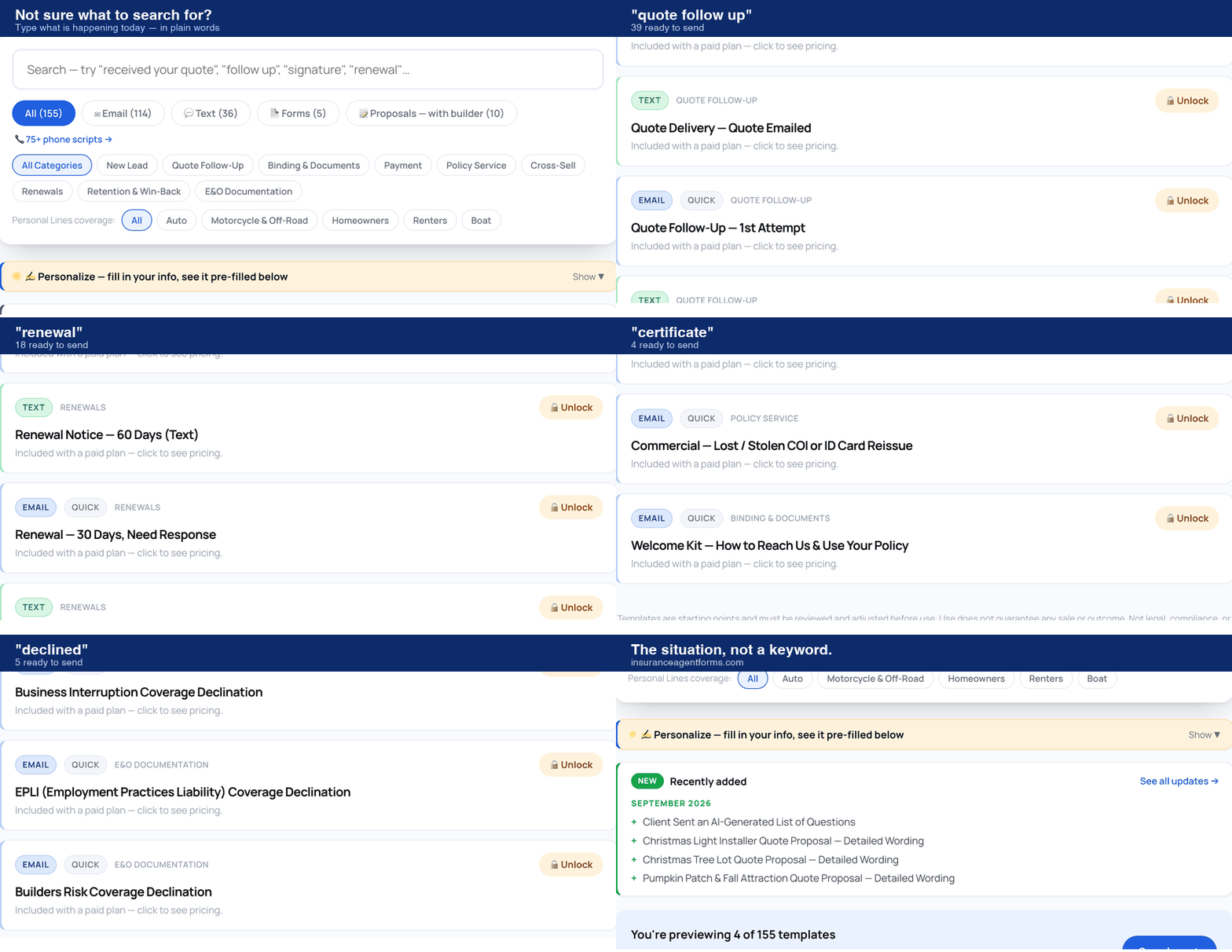
What do I search for?
Type the situation you are in, in plain words — “renewal”, “certificate”, “declined”. Not a keyword.
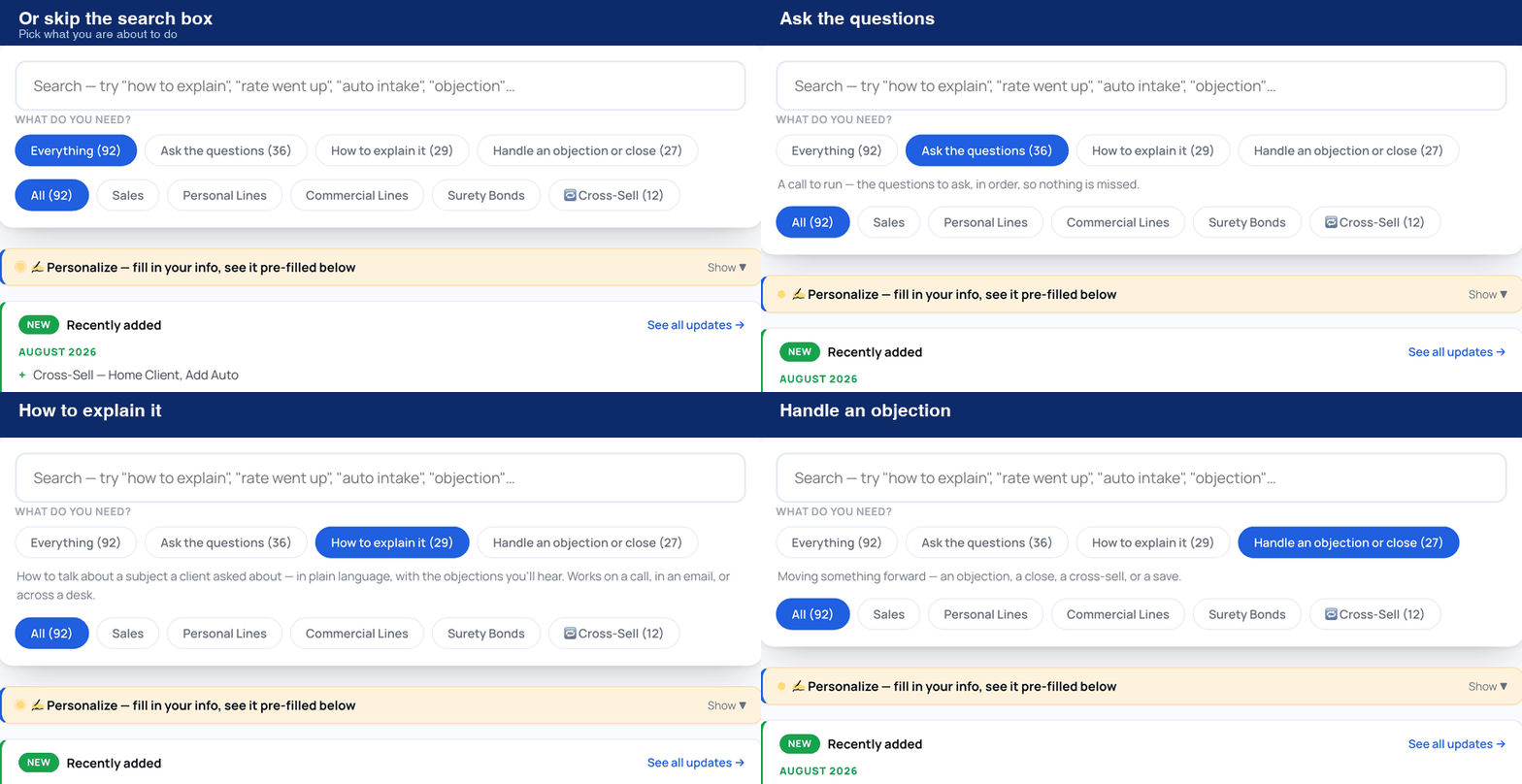
Or skip the search box
On Scripts & Talk Tracks, pick what you are about to do: ask the questions, explain something, or handle an objection.
Want the full walkthrough? See How It Works →
Frequently Asked Questions
How do I use a template?+
Can I edit the templates?+
Do the texts comply with TCPA?+
Are the E&O Documentation templates legal advice?+
Will using these templates guarantee more sales?+
I need a template that doesn't exist yet.+
What about phone scripts?+
Still need help?
Send us a message and we'll get back to you by email.